 FreePSDHero
Merry Xmas PSD with Snowy Gold Bauble Frame
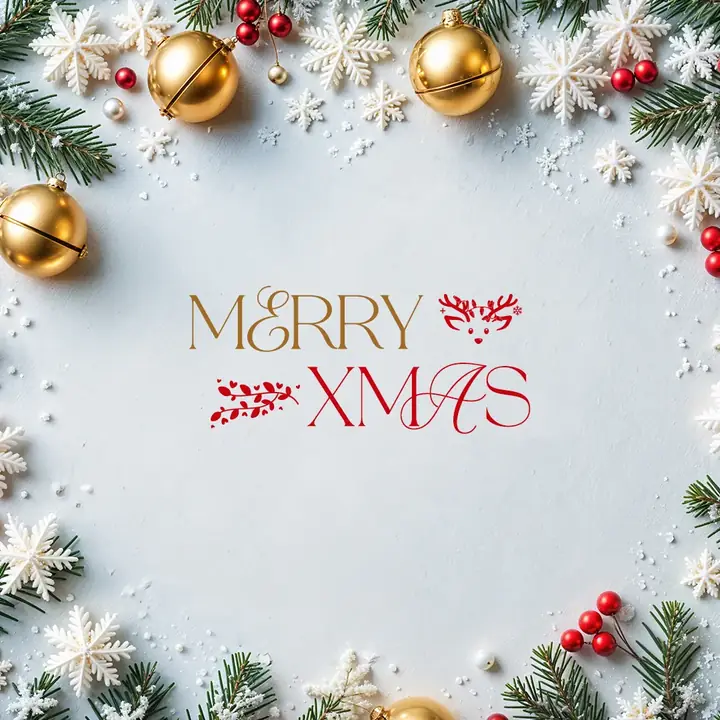
A soft snowy white background framed with gold bells, baubles, paper snowflakes, pine and berries. A gold 'Merry' and red 'Xmas' sit in the middle with reindeer details.
What's in the design
- Gold and red 'Merry Xmas' title
- Snowy white background
- Frame of baubles and snowflakes
- Space for a logo
Who it suits
Designers and social media managers who want ready Christmas and New Year titles to drop onto their own photos.
How to customise it
- Extract the RAR file and open the PSD in Adobe Photoshop.
- Open the PSD and pick the title style you like.
- Double-click the text layer to change the words. The font and effect stay.
- Drag the title group onto your photo or design in another PSD.
- If a font is missing, install the free font listed in the file or pick a similar script font.
File details
- File type: Layered PSD (Adobe Photoshop), packed as RAR
- Preview size: 1080 × 1080 px
- Download size: 18 MB
- Includes: PSD file and a preview image
Download this PSD
Free download. Layered Photoshop file. Please read the license before you use it.
Download now (18 MB)Prompt kit for this template
Copy these into ChatGPT, Gemini, Claude, Midjourney or Adobe Firefly to make matching backgrounds and text for your own version.
AI image prompts for backgrounds and variations
Text prompt to write your headline and offer
Ready captions for Instagram, Facebook and WhatsApp
Questions
Do I need special fonts?
The look uses script and serif fonts. If Photoshop asks for a missing font, install the one named in the file or replace it with any free script font from Google Fonts.
How do I open the RAR file?
Use a free tool such as 7-Zip or WinRAR on Windows, or The Unarchiver on Mac. Then open the PSD in Adobe Photoshop.
Get new freebies
New free design files, shared on our channels.
TelegramWhatsApp