 FreePSDHero
Jewellery Thank You Card PSD Template - Timeless Sparkle Note
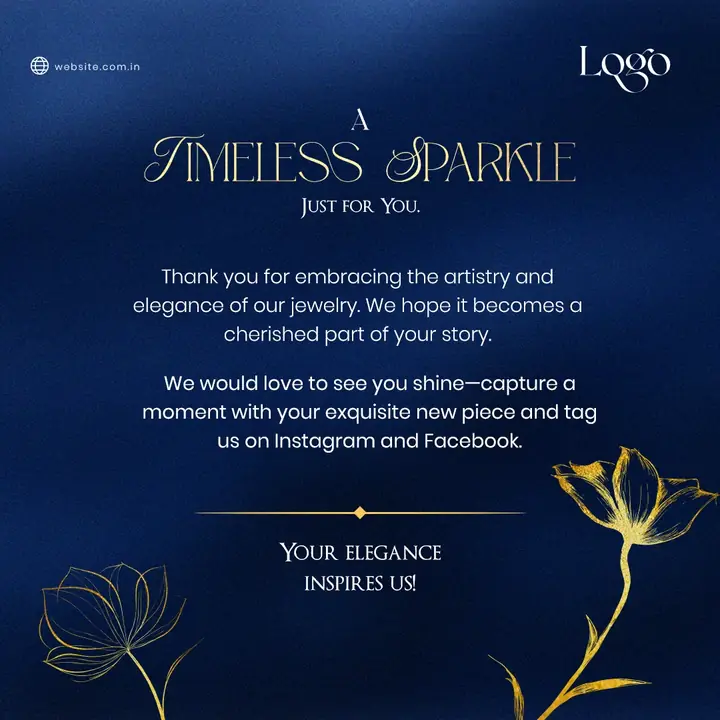
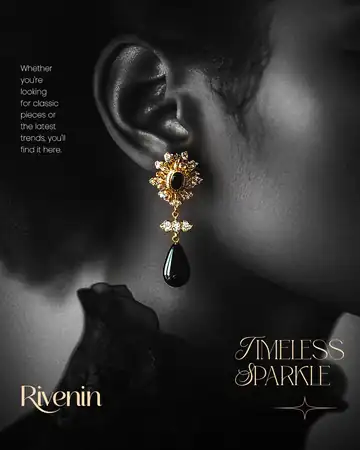
A dark blue thank-you card with gold line flowers and the heading 'A Timeless Sparkle, just for you'. The text thanks customers and asks them to tag the shop on Instagram and Facebook.
What's in the design
- Dark blue card
- Gold line flowers
- Thank-you message
- Logo corner
Who it suits
Jewellery shops, showrooms, gold and diamond dealers, imitation-jewellery sellers and online jewellery brands promoting collections on Instagram and Facebook.
How to customise it
- Extract the RAR file and open the PSD in Adobe Photoshop.
- Replace 'Logo' and the website with your shop's logo and address.
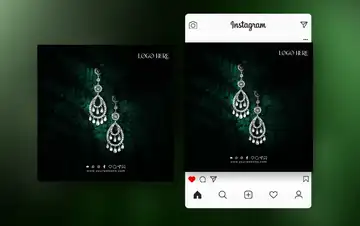
- Swap the jewellery photo for your own product shot with a clean or dark background.
- Edit the headline, offer and contact details.
- Export as JPG at 1080 px for Instagram and WhatsApp.
File details
- File type: Layered PSD (Adobe Photoshop), packed as RAR
- Preview size: 1080 × 1080 px
- Download size: 28 MB
- Includes: PSD file and a preview image
Download this PSD
Free download. Layered Photoshop file. Please read the license before you use it.
Download now (28 MB)Prompt kit for this template
Copy these into ChatGPT, Gemini, Claude, Midjourney or Adobe Firefly to make matching backgrounds and text for your own version.
AI image prompts for backgrounds and variations
Main imageDark blue card with gold line-art flowers, no text, no logos
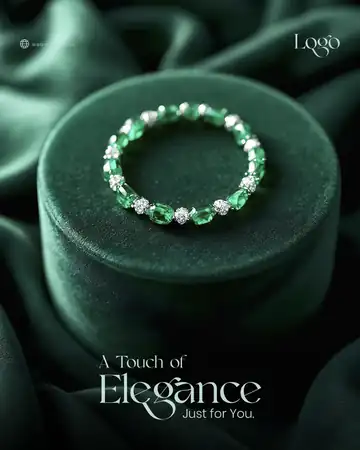
Background ideaDark green velvet fabric with soft golden light and an empty spot for a jewellery piece, no text, no logos
Text prompt to write your headline and offer
Write 5 short headlines (max 6 words) and a 40-word caption for a jewellery shop called [name] in [city] launching [collection]. Elegant, warm tone.
Ready captions for Instagram, Facebook and WhatsApp
EnglishThank you for choosing us. Tag us when you shine!
Hindi💍 नया कलेक्शन आ गया है! [शोरूम] में पधारें 📍[पता] 📞[नंबर]
Questions
How do I open the RAR file?
Use a free tool such as 7-Zip or WinRAR on Windows, or The Unarchiver on Mac. Then open the PSD in Adobe Photoshop.
Get new freebies
New free design files, shared on our channels.
TelegramWhatsApp