 FreePSDHero
B.Tech Placement Success Admission PSD
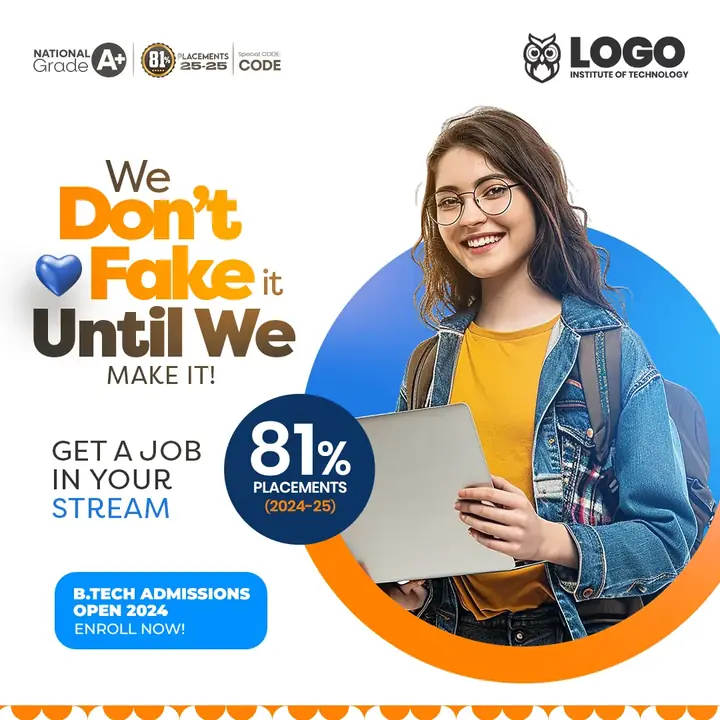
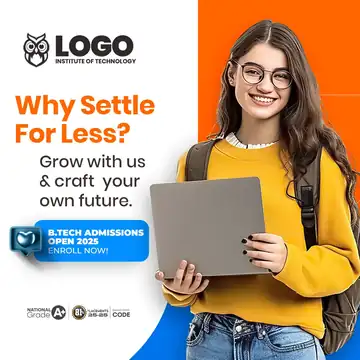
A playful post with a girl holding a laptop, the line 'We don't fake it until we make it' and a big 81% placements badge. It ends with 'Get a job in your stream'.
What's in the design
- Student with laptop
- 'We Don't Fake It' headline
- 81% placements badge
- Admissions button
Who it suits
Engineering colleges, universities, coaching institutes, schools and admission consultants promoting admissions.
How to customise it
- Extract the RAR file and open the PSD in Adobe Photoshop.
- Replace the logo, college name, accreditation badges and contact details.
- Change the course name, year and the 'Admissions Open' text.
- Swap the student photo for one from your own campus.
- Export as JPG for Instagram, Facebook and WhatsApp groups.
Tip: The design shows an older year or date. Change it before posting.
File details
- File type: Layered PSD (Adobe Photoshop), packed as RAR
- Preview size: 1080 × 1080 px
- Download size: 5 MB
- Includes: PSD file and a preview image
Download this PSD
Free download. Layered Photoshop file. Please read the license before you use it.
Download now (5 MB)Prompt kit for this template
Copy these into ChatGPT, Gemini, Claude, Midjourney or Adobe Firefly to make matching backgrounds and text for your own version.
AI image prompts for backgrounds and variations
Text prompt to write your headline and offer
Ready captions for Instagram, Facebook and WhatsApp
Questions
Can I add NAAC or NIRF badges?
Only add accreditation badges and placement numbers your college really has. Wrong claims in admission ads can get you into legal trouble.
How do I open the RAR file?
Use a free tool such as 7-Zip or WinRAR on Windows, or The Unarchiver on Mac. Then open the PSD in Adobe Photoshop.
Get new freebies
New free design files, shared on our channels.
TelegramWhatsApp